
AI Recipe Generator From a Photo: Snap Your Fridge, Get Dinner
Open the fridge, snap a photo of the shelf, and dinner shows up in under a minute. That’s exactly what an AI recipe generator does — it “looks” at your photo and suggests what to cook from what you already own. Under the hood, according to Wikipedia’s overview of computer vision, this kind of image understanding has become a mainstream field of artificial intelligence, not a lab curiosity.
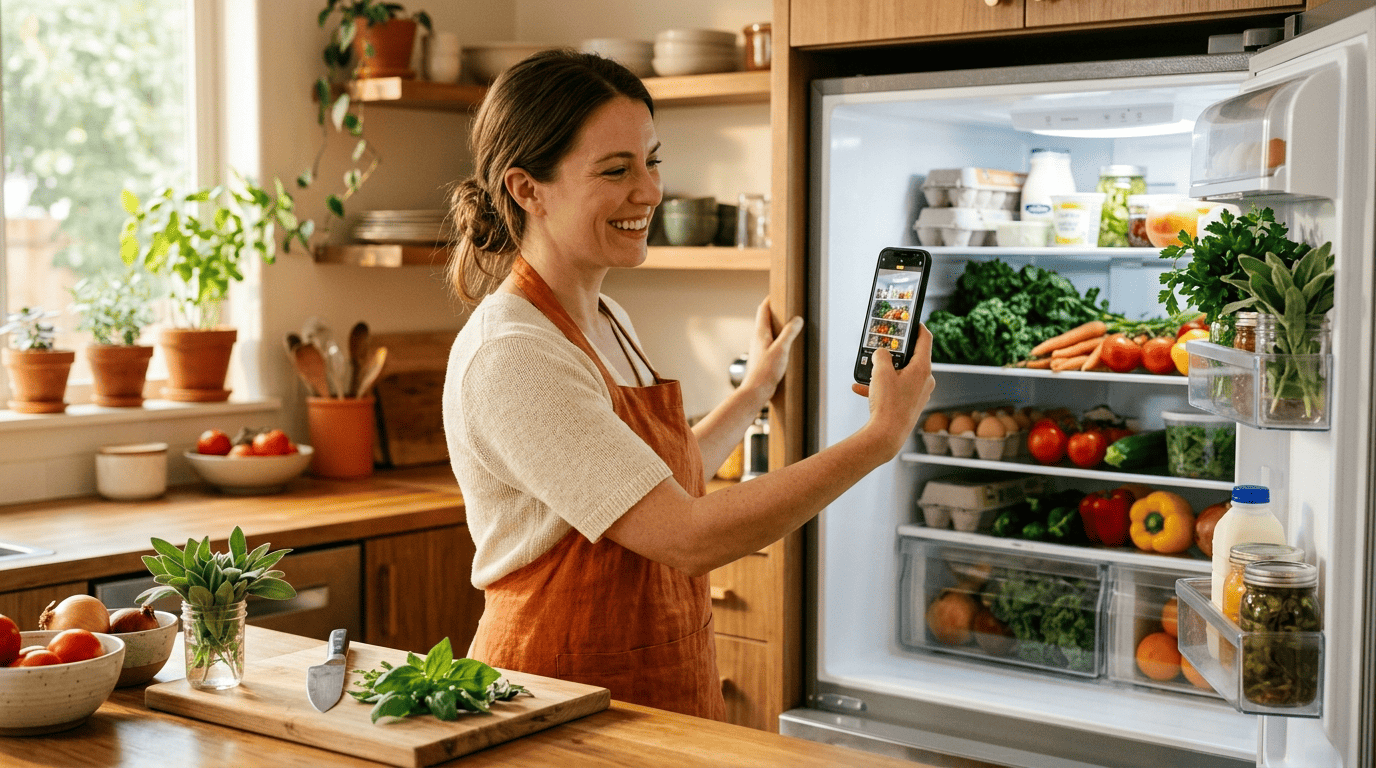
Two technologies do the heavy lifting: computer vision spots the food in your photo, and a language model turns that list into an actual recipe with steps and timing. Below, we’ll walk through how the recognition works, how to take a photo the AI can actually read, how accurate it really is, and where it hits its limits.
How an AI recipe generator “sees” your food
Ingredient recognition sits at the intersection of two AI disciplines working together, and understanding that combination makes the whole process feel a lot less like magic.
Step 1 — computer vision spots the ingredients
Computer vision is the branch of AI that teaches computers to interpret and label what’s inside an image, and spotting individual objects in a photo is one of its oldest, best-understood tasks. When you upload a fridge photo, the model scans the frame, draws a mental box around each item — tomatoes, eggs, a bunch of parsley — and tags it with a name. These systems are trained on millions of food and recipe photos, which is why they recognize a red bell pepper or a carton of milk almost instantly.
Step 2 — a language model turns items into a recipe
Once the ingredients are identified, a multimodal approach takes over: the system pairs what it “saw” (the list of detected items) with a language model that writes the actual recipe — a name, proportions, steps, and cook times. Researchers at PeopleTec described this exact pairing in a 2023 paper called “The Multimodal And Modular AI Chef,” where they combined an object-detection model with GPT-4 to turn photos of available ingredients into complete, structured recipes.
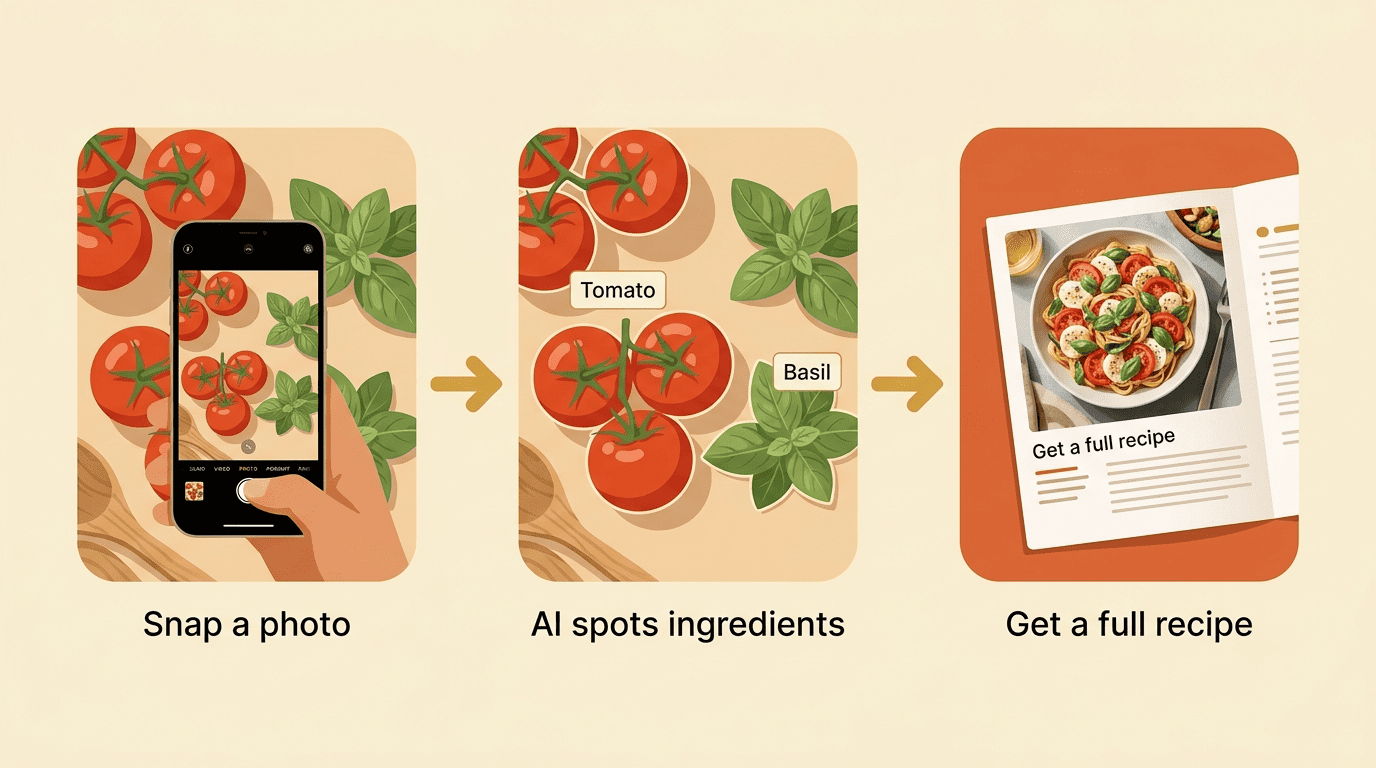
What “multimodal” means, plainly
Multimodal simply means a model can work with more than one kind of input at once — in this case, a picture and text — inside a single system. That’s the reason one tool can both “see” what’s on your counter and “write” the paragraph telling you how to cook it, instead of needing two separate apps. Wikipedia’s entry on multimodal learning covers the underlying architecture if you want the technical version.
How to take a photo the AI actually understands
A recipe generator is only as good as the photo you feed it — a blurry, cluttered shot gives the model less to work with, no matter how advanced the underlying network is.
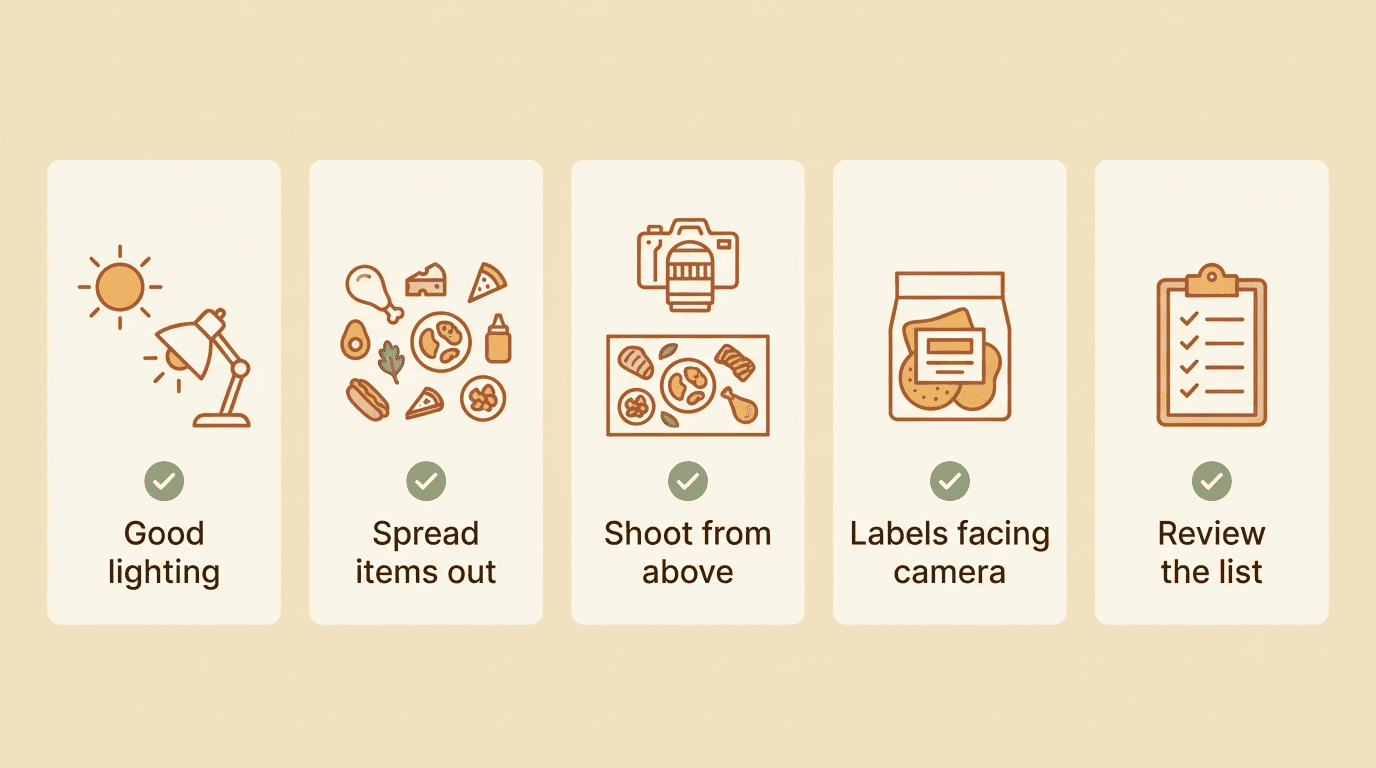
A quick checklist for a good shot
Here’s a friendly, practical checklist before you snap:
- Use even daylight or bright kitchen lighting — shadows hide edges the model needs.
- Spread items out so they don’t overlap or hide behind each other.
- Shoot from above, looking straight down at the counter or open fridge shelf.
- Turn labels toward the camera, or pull items out of opaque packaging.
- Keep the frame to somewhere between 2 and 20 items for the cleanest read.
- For a packed fridge, take 2–3 photos from different angles — multiple shots noticeably improve accuracy.
- Review the detected list before you generate anything.
Fix what it gets wrong before cooking
Good tools let you edit the detected list — add the onion that was hiding behind a jar, remove a duplicate, or correct a quantity — before the recipe gets generated. Spending 30 seconds double-checking that list is a small trade for not ending up with a recipe built around an ingredient you don’t actually have.
How accurate is it — and where it stops
Accuracy here isn’t one number; it swings a lot depending on how common and how visible the ingredient is.
Common foods are the easy case. On everyday staples — eggs, onions, tomatoes, chicken breast — modern recognition models are reported to hit accuracy above 95%. That reliability is backed by real testing: researchers behind the multimodal AI chef study ran their model against more than 2,000 fridge photos and used the results to assemble a 100-page cookbook built entirely from the top 30 most commonly detected ingredients.
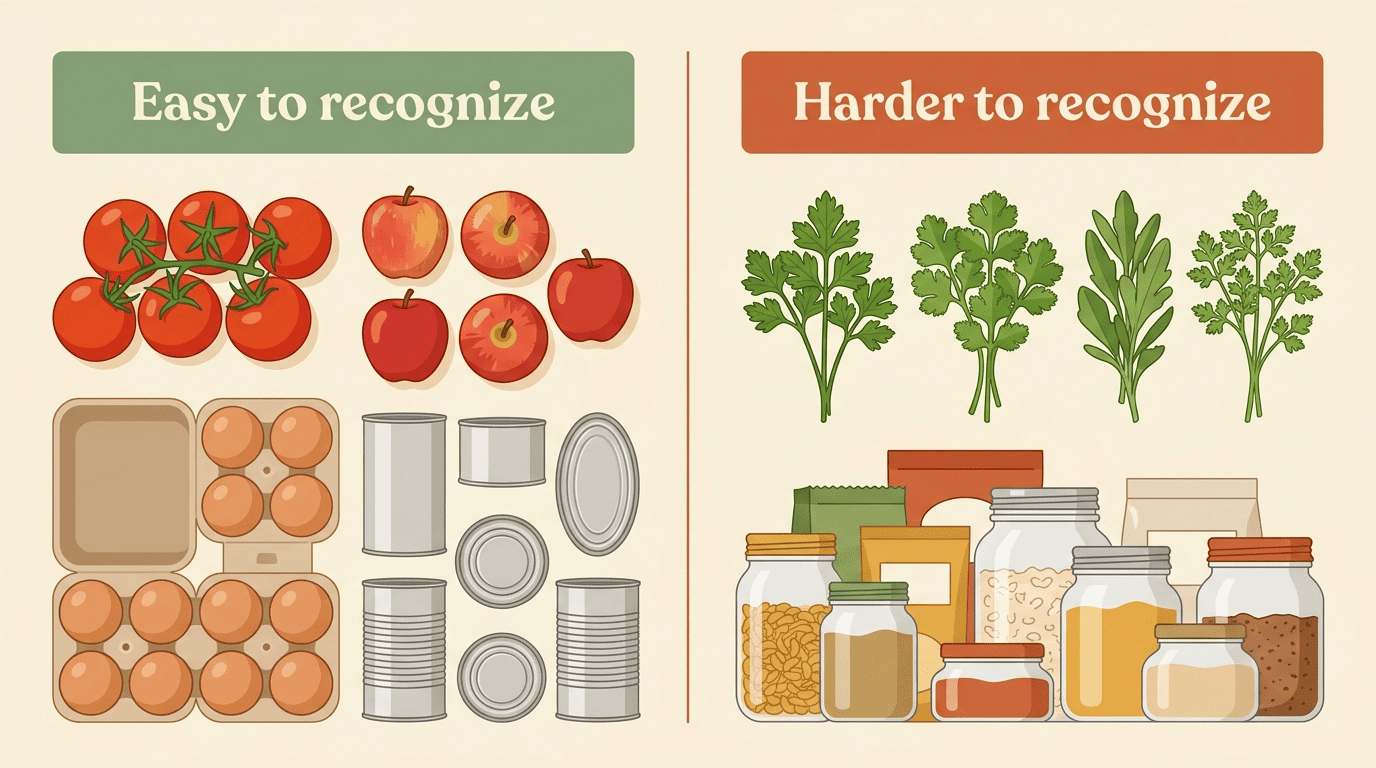
The limits show up at the edges, though. A few situations reliably trip up recognition models:
- Visually similar items, like flat-leaf parsley versus cilantro, or sugar versus salt in matching jars
- A cluttered, overlapping frame where items hide behind each other
- Rare or unusual products that weren’t well represented in the training data
- Homemade or unlabeled leftovers with no clear shape or packaging cues
That’s exactly why every serious tool lets you review the list rather than trusting it blindly.
| Easy to recognize | Harder to recognize |
|---|---|
| Whole fruits and vegetables (apples, peppers, carrots) | Visually similar herbs and spices side by side |
| Labeled packaged goods facing the camera | Unlabeled leftovers or homemade dishes |
| Eggs, common dairy, common proteins | Items partly hidden behind other items |
| Well-lit, uncluttered shelves | Dim, shadowy, or overcrowded photos |
None of this makes the technology unreliable — it just means accuracy is uneven rather than perfect, the same way any recognition system performs best on the patterns it has seen the most. A well-lit photo of a fairly ordinary grocery haul will almost always come back clean.
Where things get shakier is the training data itself. A model is only as good as the millions of reference photos it learned from, and if a particular ingredient, cuisine, or packaging style was underrepresented in that training set, recognition quality drops accordingly. That’s a well-documented pattern across computer vision generally, not something unique to recipe apps.
Monolithic multimodal models currently lack the coherent memory to maintain context and format for this task.
David Noever & Samantha E. M. Noever, “The Multimodal And Modular AI Chef” (2023)
That’s exactly why the researchers didn’t rely on one all-purpose model — they paired a dedicated object-detection system with GPT-4 instead, letting each piece do the part it’s actually good at.
What the tools can do today (multimodal examples)
Beyond just naming ingredients, current multimodal photo-to-recipe tools handle a surprising amount of the cooking decision for you.
From one photo to a full recipe
| What you get | Typical source |
|---|---|
| Ingredient list with quantities | Detected from the photo |
| Step-by-step cooking instructions | Generated by the language model |
| Cook time and prep time | Generated by the language model |
| Nutrition breakdown (calories, macros) | Often pulled from USDA food databases |
| Editable ingredient list | User correction before generating |
Some tools go further and accept more than one kind of photo as input:
- A photo of raw ingredients on the counter or in the fridge
- A photo of a finished, plated dish you want to recreate
- A typed list of ingredients, for when a photo isn’t handy
That flexibility is useful if you’re trying to reverse-engineer something you ate at a friend’s house, not just plan around what’s already on hand.
Personalize it: diets, servings, and less waste. Most generators let you filter the recipe they build around your own eating pattern, commonly including:
- Vegan and vegetarian
- Keto and low-carb
- Gluten-free
- High-protein
- Nut-free or other allergy-driven restrictions
They’ll also scale a recipe up or down for however many people you’re feeding. There’s a practical upside beyond convenience, too: cooking from what’s already in your fridge measurably cuts food waste — the average family of four throws away close to $3,000 worth of food a year, according to a 2025 EPA estimate. For guidance on building genuinely balanced meals once your ingredients are sorted, the Harvard T.H. Chan School of Public Health’s Nutrition Source is a solid, independent reference.
A friendly food-safety note
Here’s the one thing worth being upfront about: an AI recipe generator recognizes what a food item is, not whether it’s still good to eat. A photo can’t reliably detect spoilage — sour milk, freezer burn, or meat that’s turned are all things a picture alone won’t catch.
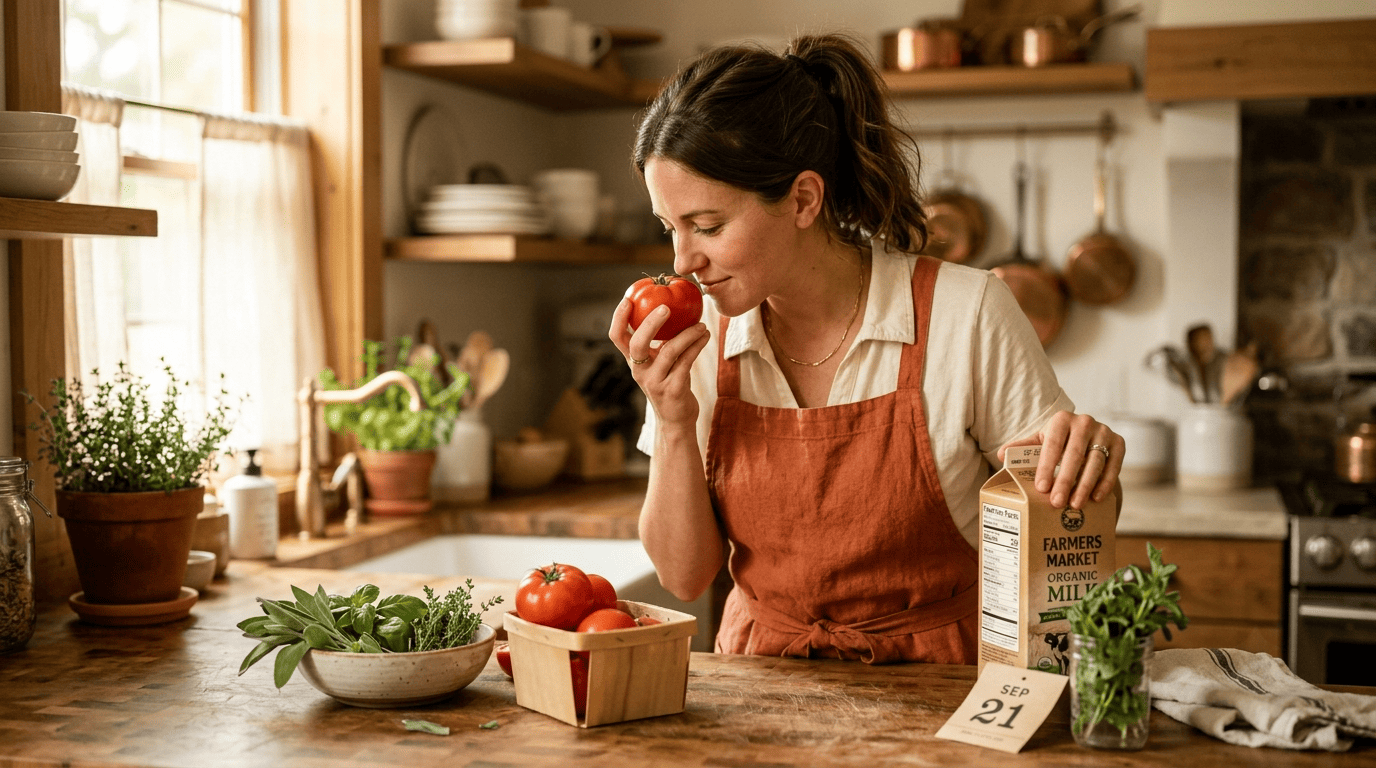
That part stays on you, and it only takes a moment:
- Look — off colors, mold, or visible sliminess
- Smell — sour, sulfurous, or just “wrong” odors
- Check the date on the package
- When in doubt, toss it out
For clear, official guidance on safe storage times and spotting spoilage, FoodSafety.gov is the go-to source — no need to overthink it, just a quick habit worth keeping.