
AI Recipe Generator From Ingredients You Already Have: Turn Your Fridge Into Dinner
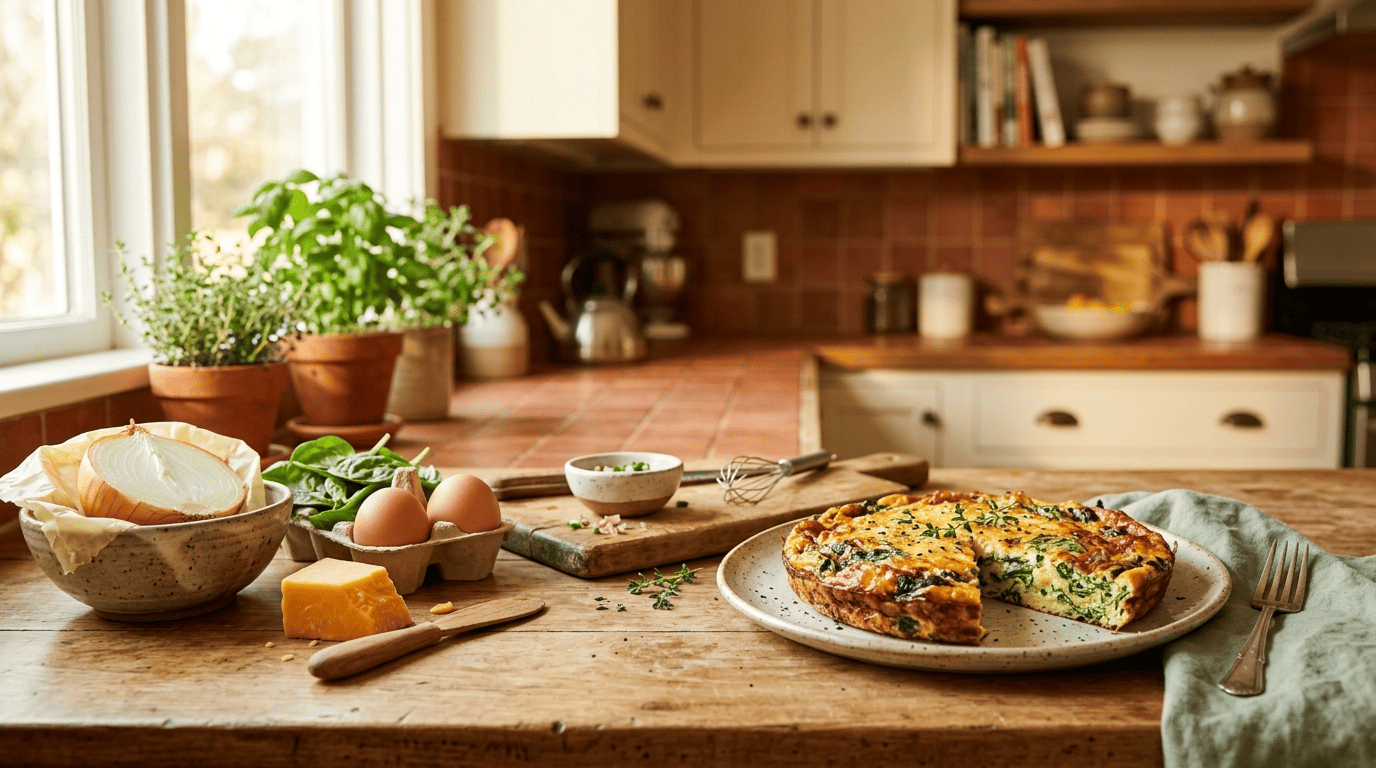
You open the fridge — half an onion, a handful of spinach, a couple of eggs, a chunk of cheese — and have no idea what to do with any of it. An AI recipe generator takes exactly that list of odds and ends and turns it into a real recipe in seconds, no grocery run required. According to Microsoft, these tools use AI to build personalized recipes from what you already have on hand, your dietary preferences, allergies, and cooking skill level.
Below you’ll learn how these tools actually work, how to describe what you have so the result is good, and where AI still needs a human cook watching the stove. Think of it as the difference between “I have nothing to eat” and “dinner’s ready in 25 minutes.”
What an AI recipe generator actually does
From a pile of ingredients to a finished recipe
Microsoft Copilot’s own documentation defines an AI recipe generator as a tool that uses AI to create personalized recipes from inputs like the ingredients you have on hand, dietary preferences, allergies, and cooking skill level. You type what’s in your fridge — “eggs, spinach, heavy cream” — and it returns a full recipe: a title, an ingredient list with measurements, and step-by-step instructions. This isn’t a niche experiment either: both FoodsGPT and DishGen report over 1 million recipes generated through their AI cooking assistants, and pantry-focused tools like From Your Fridge build entire meal plans around the same idea.
Why it “knows” recipes: the model under the hood
The engine behind most of these tools is a large language model trained on huge collections of recipes and cooking text. From Your Fridge says its AI is “trained on millions of recipes” and factors in flavor profiles and cooking techniques when it builds a suggestion. In plain terms, a large language model predicts likely, sensible ingredient and flavor combinations rather than pulling up one fixed recipe from a database — which is exactly why the same three ingredients can produce a different dish every time you ask.
How to enter the ingredients you already have
Getting a good recipe out of an AI recipe maker starts with what you put in. Vague input gets a vague answer; a specific, honest list gets something you can actually cook tonight.
List what’s really in the fridge and pantry
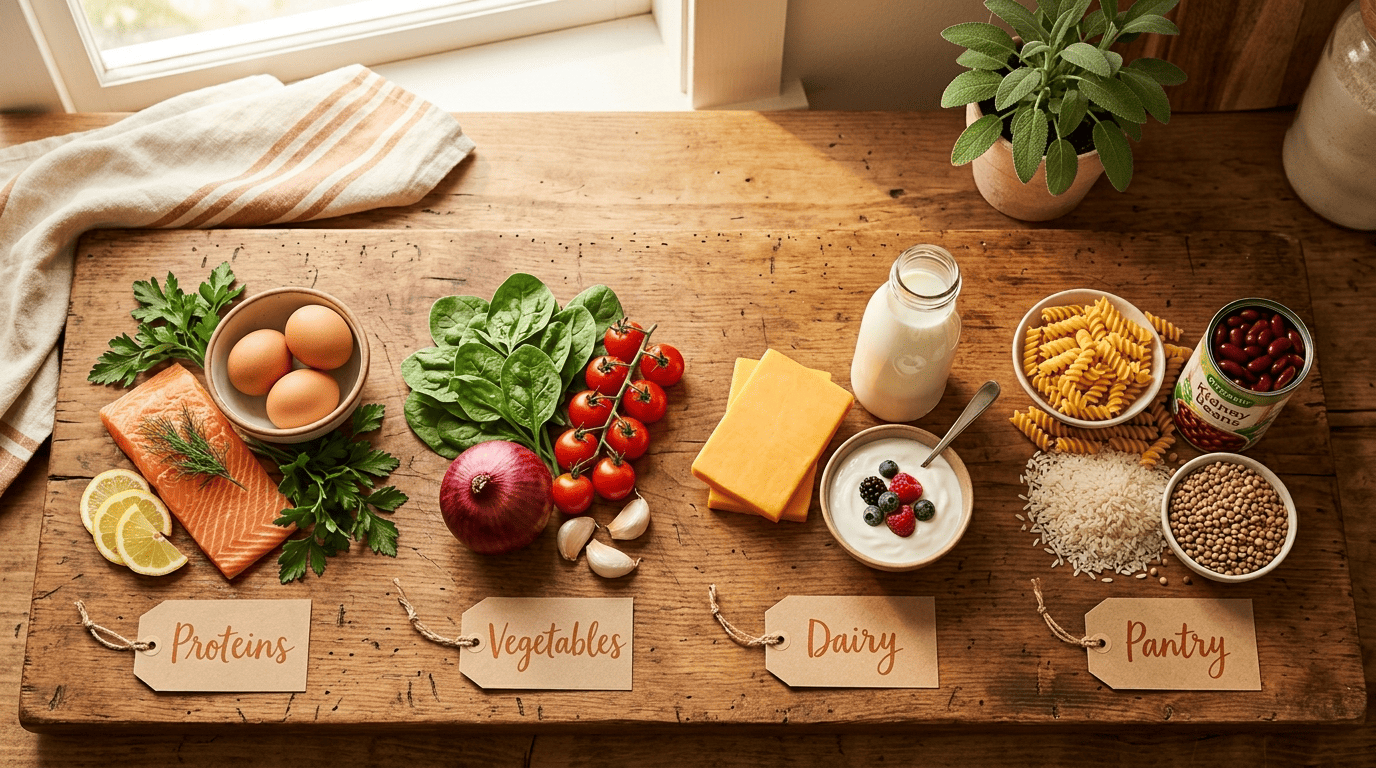
Start with an honest inventory across four categories:
- Proteins (meat, fish, eggs, tofu)
- Vegetables and fruit
- Dairy (milk, cheese, yogurt, cream)
- Pantry staples (rice, pasta, canned beans, oil, spices)
FoodsGPT takes ingredients plus dietary goals plus cooking time as input, and its own example prompts include lines like “salmon, asparagus — keto friendly” and “low carb meal with chicken.” From Your Fridge works the same way with a plain list such as “Eggs, spinach, heavy cream.” Don’t round up — if you only have two eggs, say two eggs, not “eggs.”
Add the details that make a result usable
Copilot’s prompt best practices boil down to five things:
- An accurate ingredient list
- How many servings you need
- Dietary preferences (vegan, keto, gluten-free)
- A cuisine or flavor profile
- A time limit and difficulty level
Rancho Markets structures this as a 4-step flow — Describe Meal, Set Preferences, AI Creates Recipe, Cook — with separate fields for servings, difficulty, cuisine, dietary restrictions, and cooking time, and it caps the description at 500 characters, a good reminder to stay concise rather than write an essay.
A reusable template that covers all of it: “I have [ingredients]. Make a [cuisine] recipe for [servings] people, [diet/allergy], ready in [time], [skill level].”
| Field | Example |
|---|---|
| Ingredients | eggs, spinach, heavy cream, cheddar |
| Servings | 2 |
| Diet/allergy | dairy-free (swap cream) |
| Cuisine | Mediterranean |
| Time limit | 20 minutes |
Missing an ingredient? Let it swap
Ask the generator for substitutions
One of the most useful moves is telling the AI what you don’t have instead of giving up on the recipe entirely. Microsoft Copilot’s own guidance is literally to “ask for substitutions if you’re missing ingredients.” Thrive Market put this to a hands-on test and swapped honey for agave and mozzarella for burrata — the recipes still worked. A few reliable everyday swaps to keep in your back pocket:
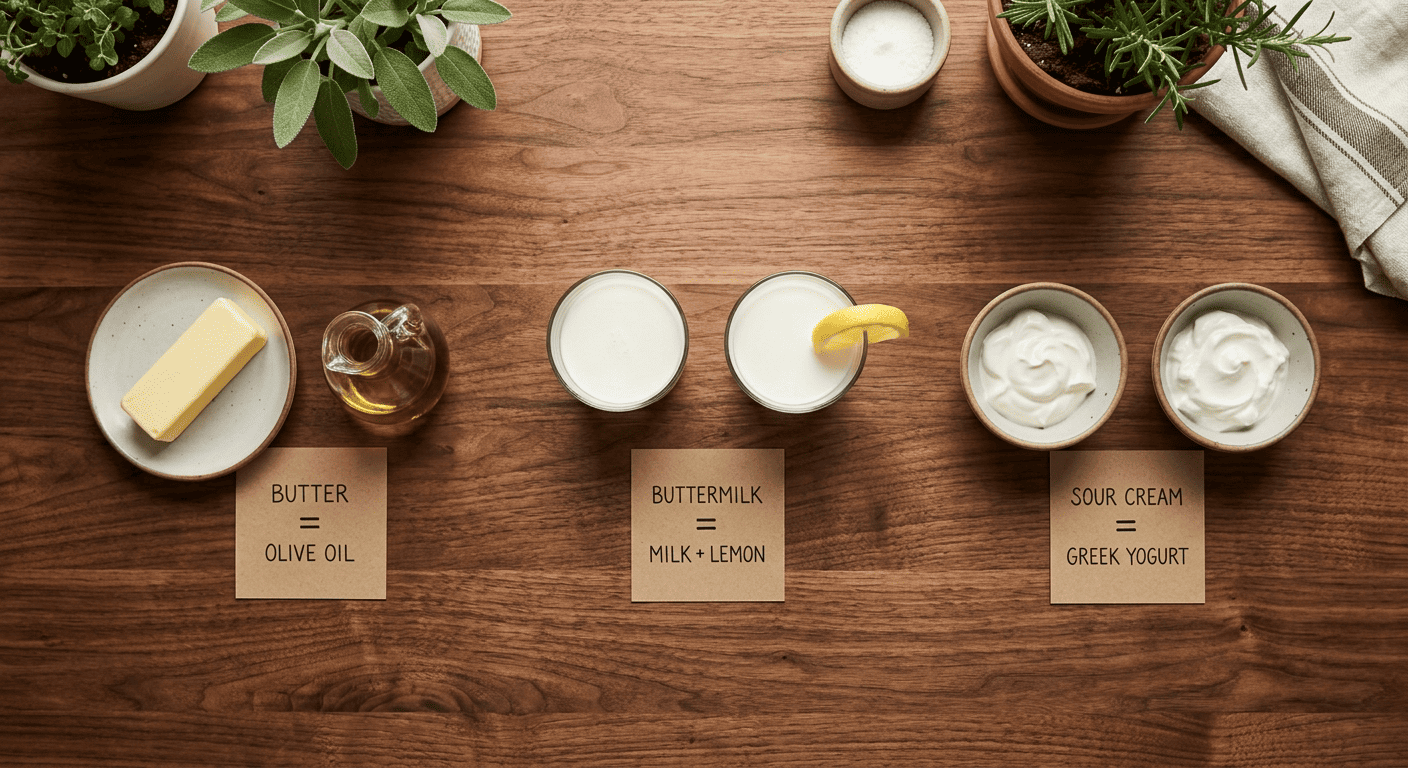
- Buttermilk = milk + a splash of lemon juice or vinegar
- One egg (in baking) = a mashed ripe banana or a spoon of applesauce
- Butter = olive oil, roughly in a 3:4 ratio
- Sour cream = plain Greek yogurt, 1:1
- Fresh herbs = dried herbs, at about a third of the amount
Adapting to diets, allergies, and cuisines
Tell it your diet and what you can’t eat
These tools handle vegan, keto, gluten-free, high-protein, low-carb, and dairy-free requests out of the box — FoodsGPT and From Your Fridge both list them as standard filters. Copilot goes a step further and takes allergies as a direct input, showing a dairy-free Indian curry example built from lentils, tomatoes, and spinach in under an hour. There’s one non-negotiable here: for a real allergy, always double-check every single ingredient the AI lists yourself. It’s a suggestion engine, not an allergist, and it can miss a hidden allergen in a sauce or seasoning blend.
Steer the flavor and keep it balanced
Naming a cuisine shapes the result dramatically — same generator, completely different plates:
| Cuisine example | Time | Calories |
|---|---|---|
| Korean bibimbap | 35 minutes | 645 kcal |
| Indian biryani | 45 minutes | 680 kcal |
Those are two of From Your Fridge’s own sample outputs; a French sourdough loaf is another. For everyday health, it’s worth sanity-checking whatever the AI plates up against a simple, independent standard rather than trusting AI-estimated nutrition numbers blindly. Harvard’s Healthy Eating Plate is a useful benchmark: roughly half vegetables and fruit, a quarter whole grains, and a quarter protein.
Cook safely: the part AI can’t do for you
Check temperatures, not just the AI’s word
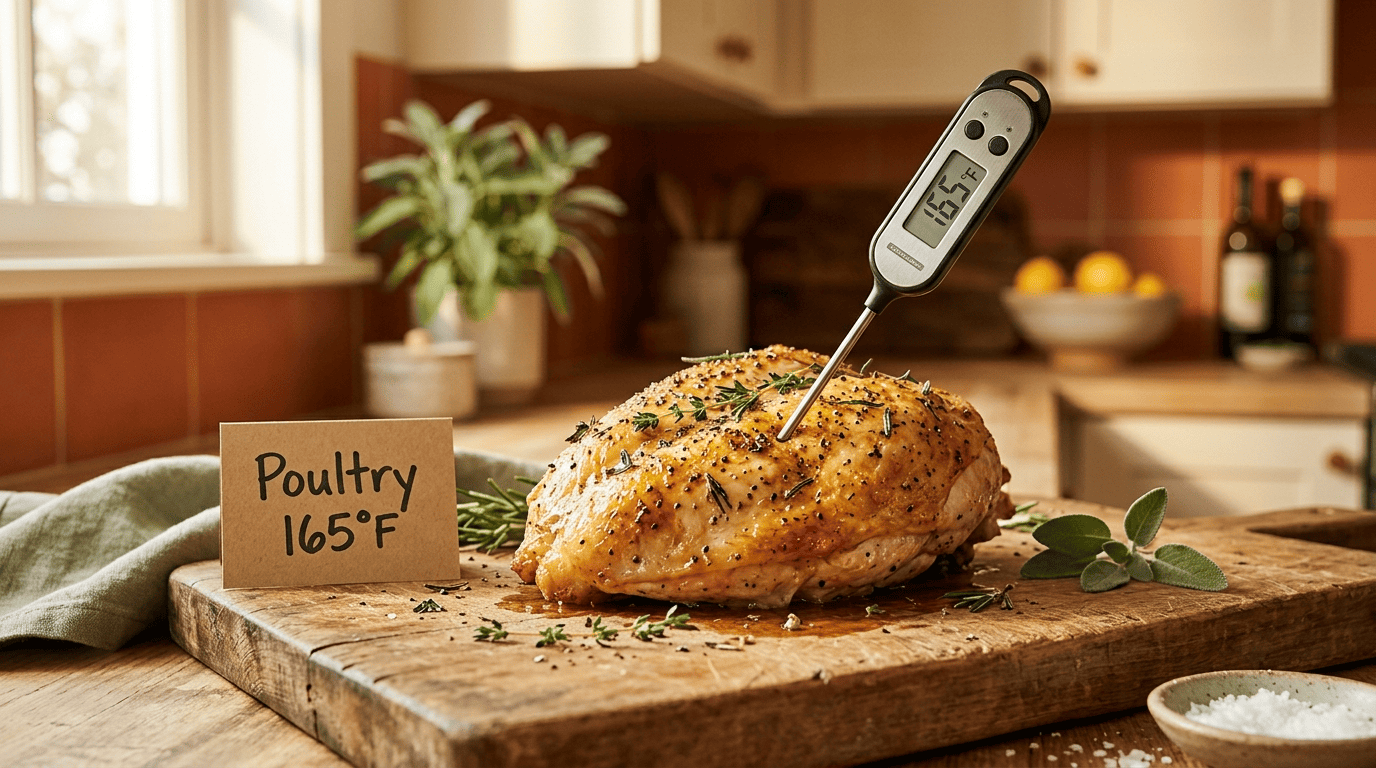
A generator will happily tell you to “cook until done,” but doneness has actual numbers behind it, and getting them wrong is how people get sick. The official guidance on safe minimum internal temperatures from FoodSafety.gov puts poultry at 165°F, ground meats at 160°F, and fresh beef, pork, veal, and lamb steaks or roasts at 145°F with a 3-minute rest. Microsoft’s own how-to guide warns users to “double-check cooking times and temperatures” and always follow food safety guidelines, and Rancho Markets bakes those numbers directly into its recipe output rather than leaving them to guesswork.
Cook all poultry to a minimum internal temperature of 165°F as measured with a food thermometer.
FoodSafety.gov
Leftovers and storage
Since the whole point of an AI recipe generator is using up what you already have, it’s worth closing the loop on storage too. Per USDA guidance on leftovers and food safety:
- Refrigerate leftovers within 2 hours of cooking
- Keep the refrigerator at 40°F or below
- Use refrigerated leftovers within 3-4 days
- Reheat leftovers to an internal temperature of 165°F
- When in doubt about how long something’s been sitting, throw it out
Following those five steps is what turns “using up the fridge” into actual food safety, not just food-waste avoidance.
Plan a whole week from what’s in the house
From single recipe to a 7-day plan
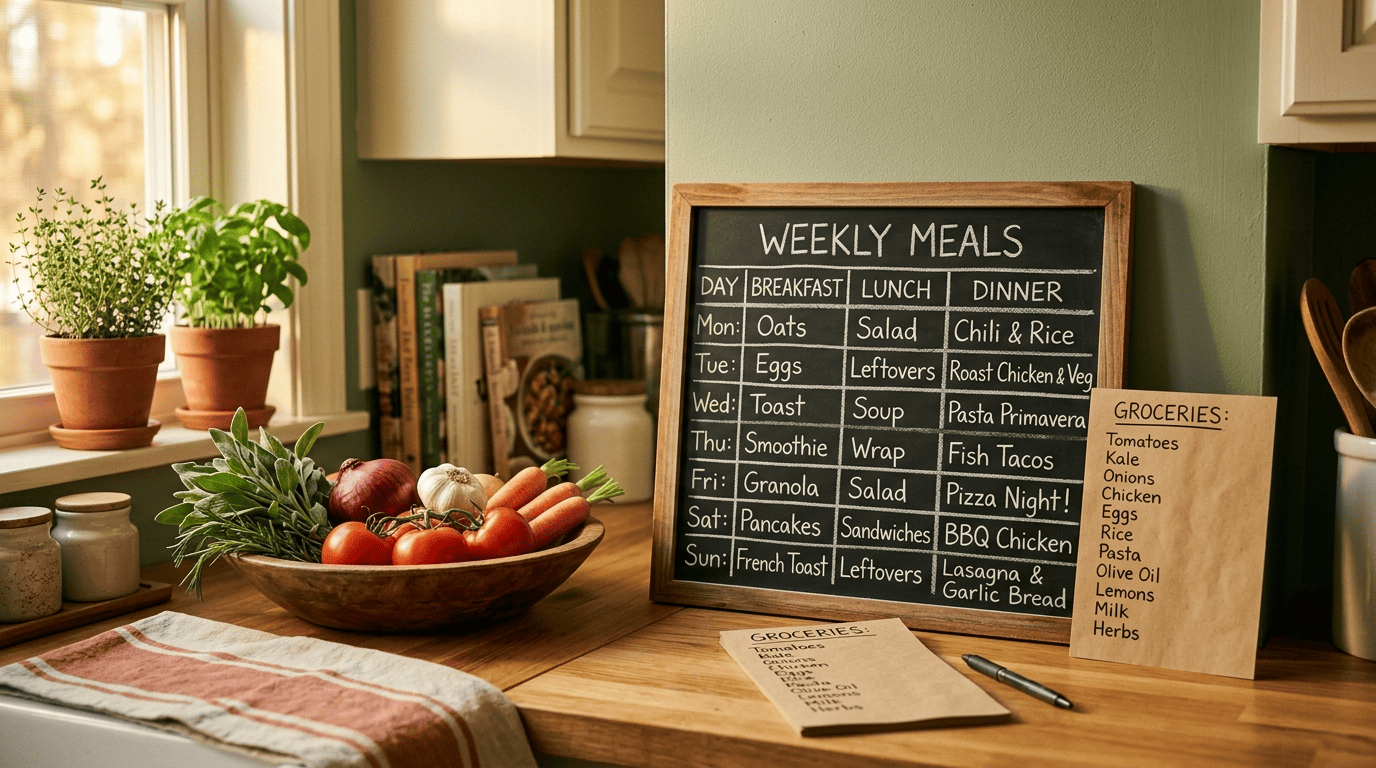
Beyond a single dinner, tools like From Your Fridge build a full 7-Day AI Meal Prep grid based on household size and dietary goals, then output one consolidated, categorized grocery list so you’re not shopping for the same spice three times. Each recipe in the plan even gets a match score from 1 to 100 for how well it fits the ingredients you already listed. DishGen takes a similar approach, generating a full week of meals and letting you regenerate a recipe for any single slot in the plan you don’t like.
The bigger win: less waste, more variety
This is where an AI recipe generator earns its keep beyond convenience.
Half of global food waste happens in the home, and 80% of people cook less than 10 recipes per year.
PlantJammer, cited in Thrive Market’s AI recipe test
Generators attack both problems at once: they turn odds and ends that would otherwise be tossed into new dishes, and they push you past the same five dinners on repeat. The net effect is less money wasted on food that goes bad and more variety on the plate without extra planning effort.